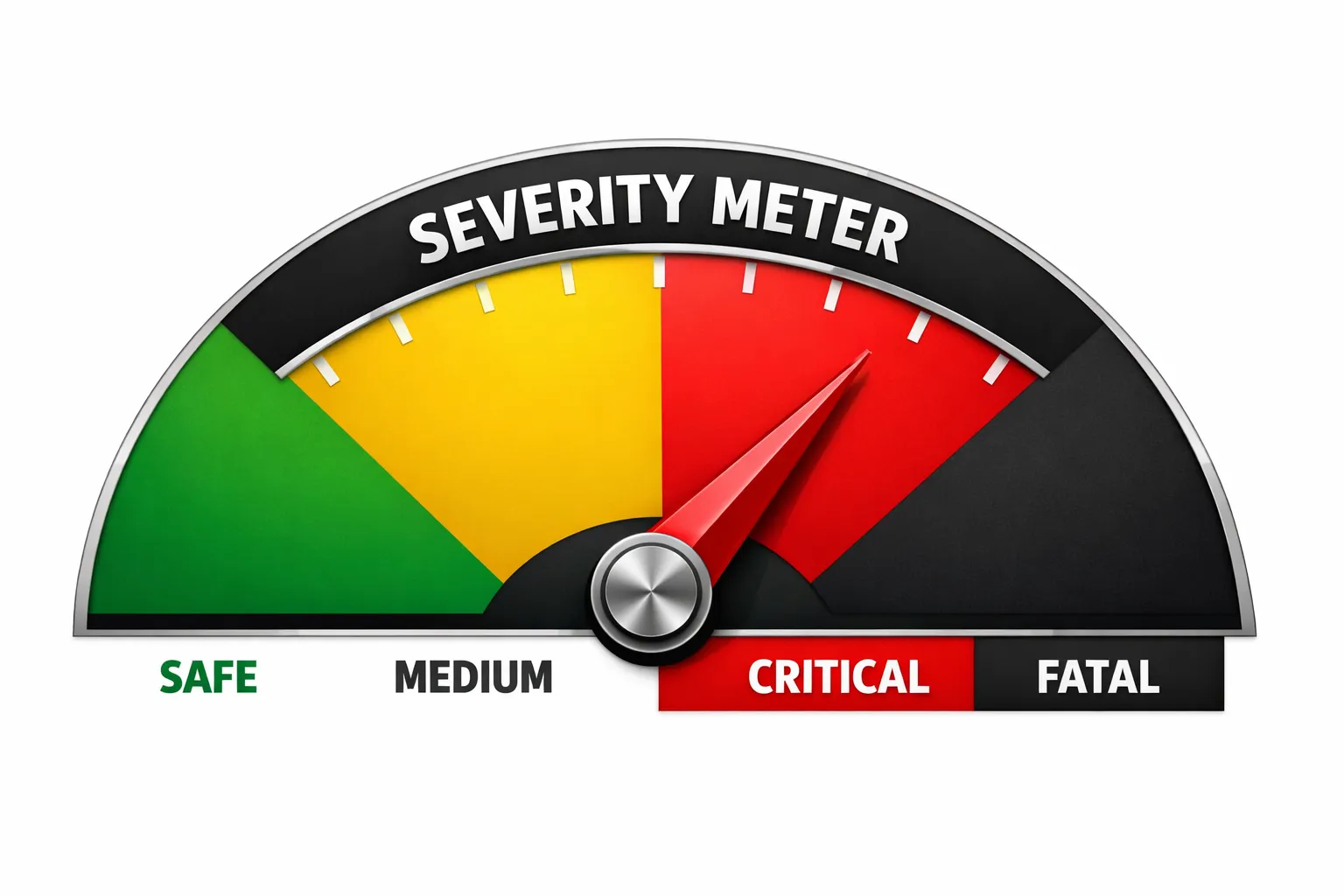
In high-stakes sales environments—like insurance, education, or financial services—not all mistakes are created equal.
If an agent forgets to say “Have a nice day,” it’s a training issue. If an agent says “This investment has zero risk,” it’s a lawsuit waiting to happen.
We designed our AI Compliance Engine to distinguish between these two realities using a rigid Severity & Confidence Matrix.
The Severity Tiering
We categorize every potential compliance parameter into tiers. This isn’t just a label; it changes the mathematical threshold required for the AI to flag it.
- FATAL (Red): Fraud, Explicit Lies, Illegal Promises (e.g., “Guaranteed Approval”).
- CRITICAL (Orange): Major Policy Violations, Rude/Abusive behavior.
- HIGH/MEDIUM (Yellow): Process errors, missed disclosures (e.g., forgot to mention recording line).
The Trade-off: False Positives vs. False Negatives
In AI, you always trade off sensitivity (catching everything) vs. precision (being right).
- For Fatal Errors: We prefer False Positives. We would rather falsely flag a call as “Fraud” (and have a human check it and clear it) than miss a real fraud case.
- For Medium Errors: We prefer False Negatives. We don’t want to annoy managers with hundreds of “maybe” alerts about missing greetings.
The Confidence Threshold Logic
AI isn’t perfect. We don’t want to alarm a Compliance Officer unless we are sure. Therefore, we dynamically adjust the “Confidence Threshold” based on the severity of the claim.
If the AI thinks you made a “Medium” error, we require 95% confidence. But if the AI thinks you committed “Fatal” fraud, we lower the threshold slightly (to 92%) because the risk of missing a fatal error is worse than a false positive.
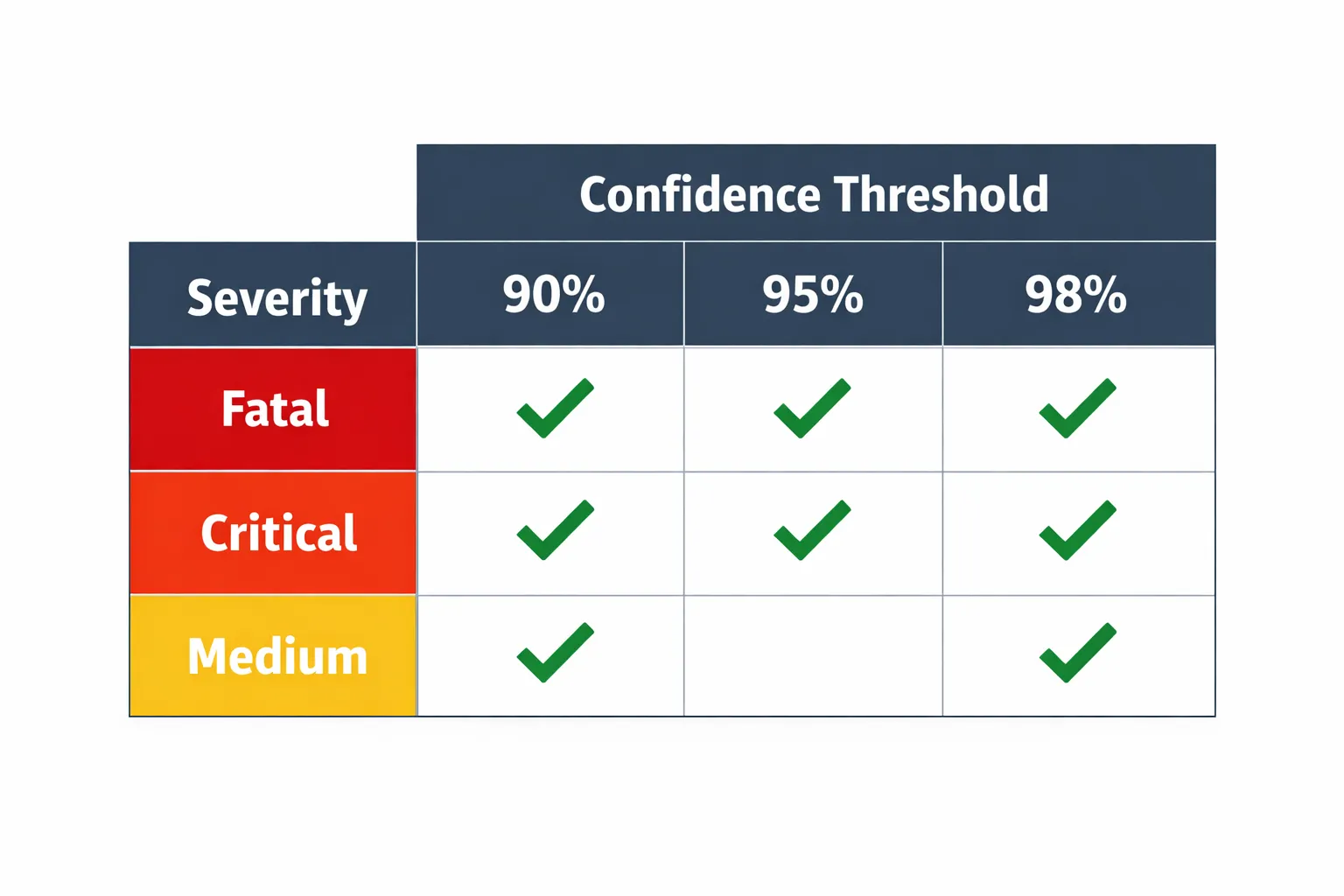
Actually, in our current production logic, we take a “High Certainty” approach across the board, but we layer it:
def filter_alerts(detected_violations, rule_definitions):
    """
    Filters out noise based on dynamic confidence thresholds.
    """
    actionable_alerts = []

    for violation in detected_violations:
        severity = rule_definitions.get(violation.category, "MEDIUM")
        confidence = violation.score
        if severity in ["FATAL", "CRITICAL"]:
            threshold = HIGH_CONFIDENCE_THRESHOLD
        elif severity == "MEDIUM":
            threshold = VERY_HIGH_CONFIDENCE_THRESHOLD
        else:
            threshold = MAX_CONFIDENCE_THRESHOLD
        if confidence < threshold:
            print(f"Ignored {severity} alert. Confidence {confidence} too low.")
            continue

        actionable_alerts.append(violation)

    return actionable_alerts
Filter Logic: The “Boy Who Cried Wolf” Problem
If an automated system flags every single call as “Potential Violation,” users stop checking. They get “Alert Fatigue.”
Our filter_alerts function ensures that only the most credible, actionable threats bubble up to the dashboard.
if confidence < threshold:
    continue
Business Value: Sleep at Night
For our Enterprise clients, this feature is the difference between “Risk Management” and “Crisis Management.”
- They know that if the dashboard is green, they are safe.
- They know that if an alert pops up, it’s real, it’s verified, and it needs immediate attention.
We turned Compliance from a reactive fire-drill into a proactive, automated shield.